Palm OS Interface
Palm OSインターフェース / 1996–2009 / 风格 / 平台界面语言
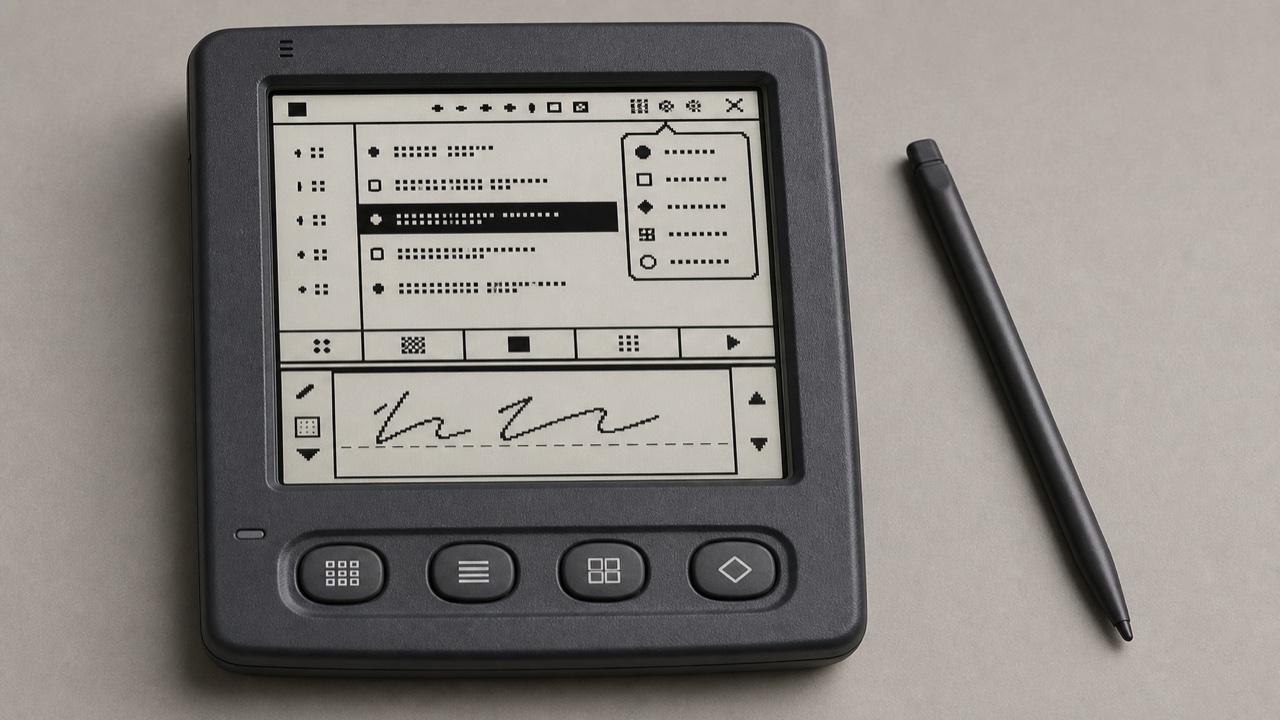
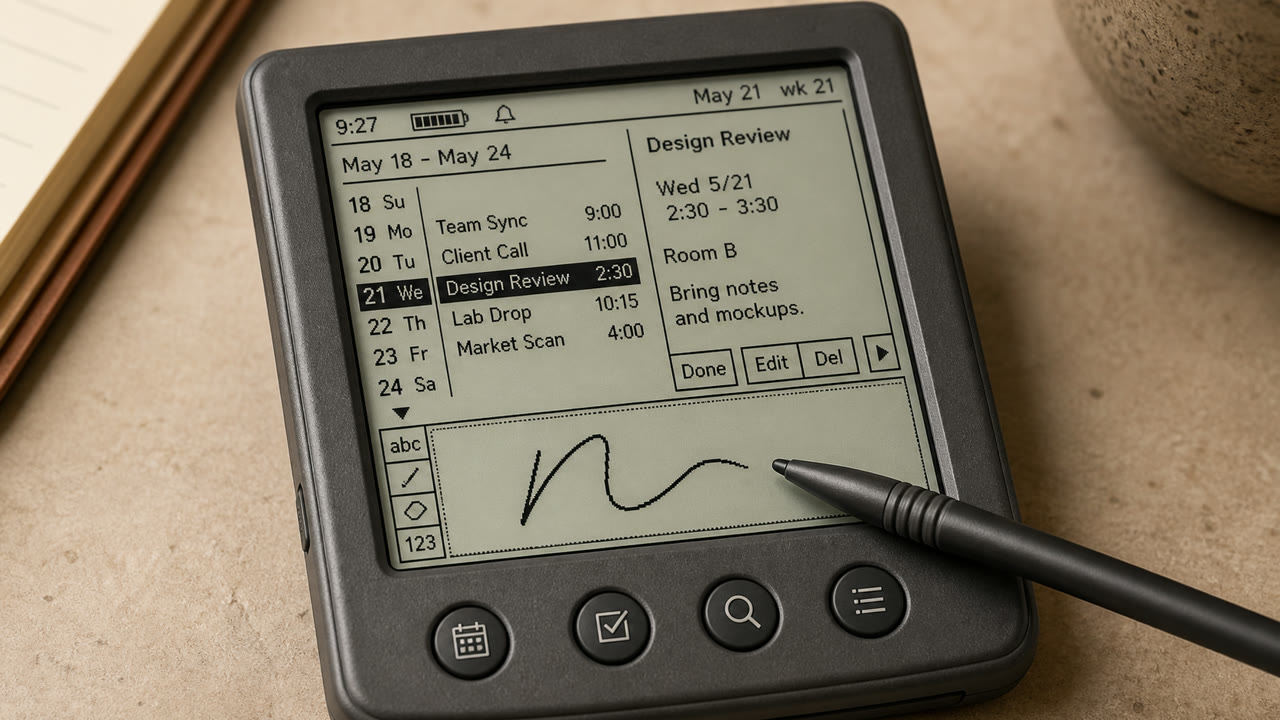
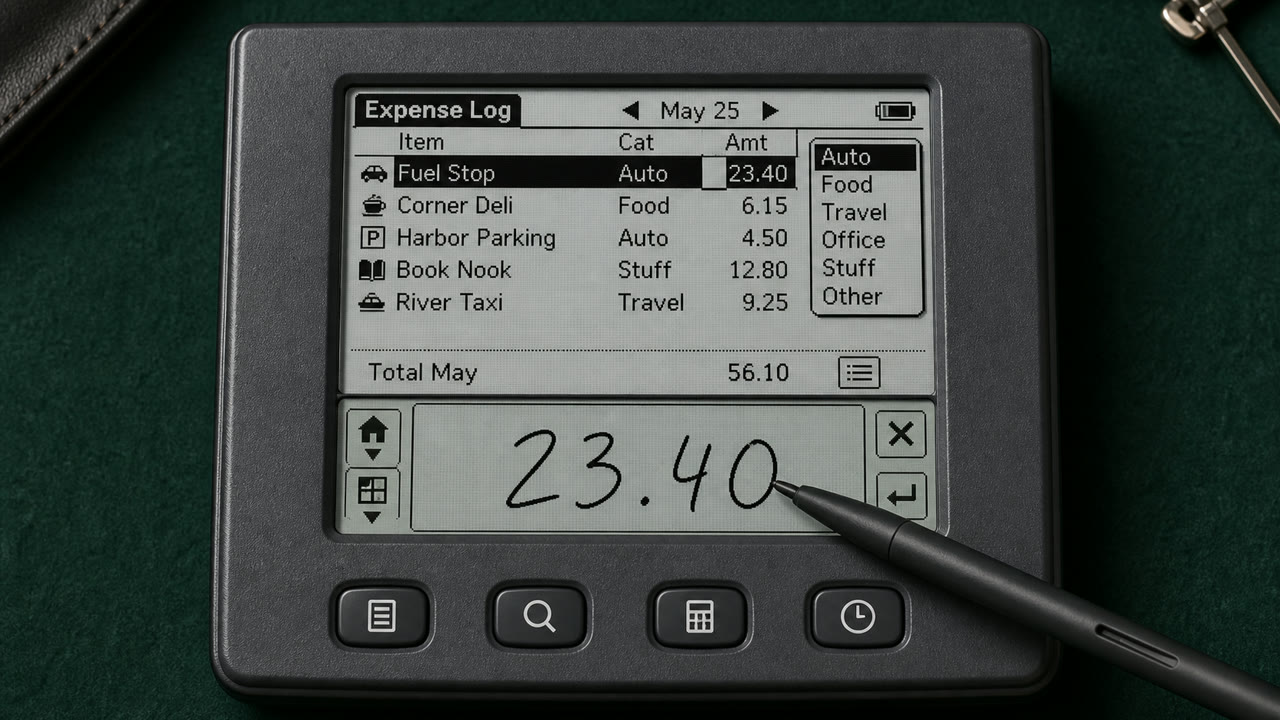
Palm OS 将一个微小的单色屏幕、触控笔和严格的内存限制,通过标题、类别菜单、命令栏、硬件按钮以及手写区域,转变为一个一致且便携的工作工具。
快速判断
视觉特征
- 大约 160 x 160 像素的分辨率,单色显示
- 标题位于左上角,类别弹出窗口位于右上角
- 从底部边缘延伸出的命令栏和四个应用程序按钮
- 细小的、单位的图标、规则以及手写输入区域
适用场景
- Handling calendar, contacts and notes quickly with an extremely small display and few inputs
- Reconstructing an early PDA from its stylus-centered sequence, not only its pixel surface
使用这一风格
把简短指引带入项目,或将结构化规格交给AI工具。
详细方法与出处制作规则、真实案例、比较、研究与引用格式
辞典词条
- 字体
- Use a sturdy bitmap face that separates letters at small sizes and reduce labels to one word.
- 版面
- Fix Title and Category above, the list in the middle, and commands and input below to reduce screen changes.
- 材料
- Work in one-bit black and white, using thin rules, reversed selection and roughly 16-pixel icons for state.
- 注意
- Monochrome pixel UI alone is not Palm OS. Preserve the division of work among stylus, hardware keys, Graffiti and on-screen commands.
- 延伸阅读
- Palm OS User Interface Guidelines / Graffiti input area / Title, Category and Command Bar
相关词条
- Apple Desktop Interface (アップル・デスクトップ・インターフェース)共同感受:Trust / Technique / Nostalgia。比较Palm OS Interface与Apple Desktop Interface
- Holo (ホロ)共同感受:Technique。比较Palm OS Interface与Holo
继续浏览平台界面语言
从平台界面语言中按共同感受优先推荐以下词条。
- CDE Interface (CDEインターフェース)共同感受:Technique / Trust / Nostalgia。
- OS/2 Workplace Shell (OS/2 Workplace Shell)共同感受:Technique / Trust / Nostalgia。
- Motif (モチーフ)共同感受:Technique / Trust。
引用此条目
这部辞典就是用来被链接的。请取用适合你写作场合的那一种形式。
- Link
- https://indexstyle.org/zh/styles/palm-os
- Markdown
- [Palm OS Interface — IndexStyle](https://indexstyle.org/zh/styles/palm-os)
- HTML
- <a href="https://indexstyle.org/zh/styles/palm-os">Palm OS Interface — IndexStyle</a>