Palm OS Interface
Palm OSインターフェース / 1996–2009 / 양식 / 플랫폼 화면 언어
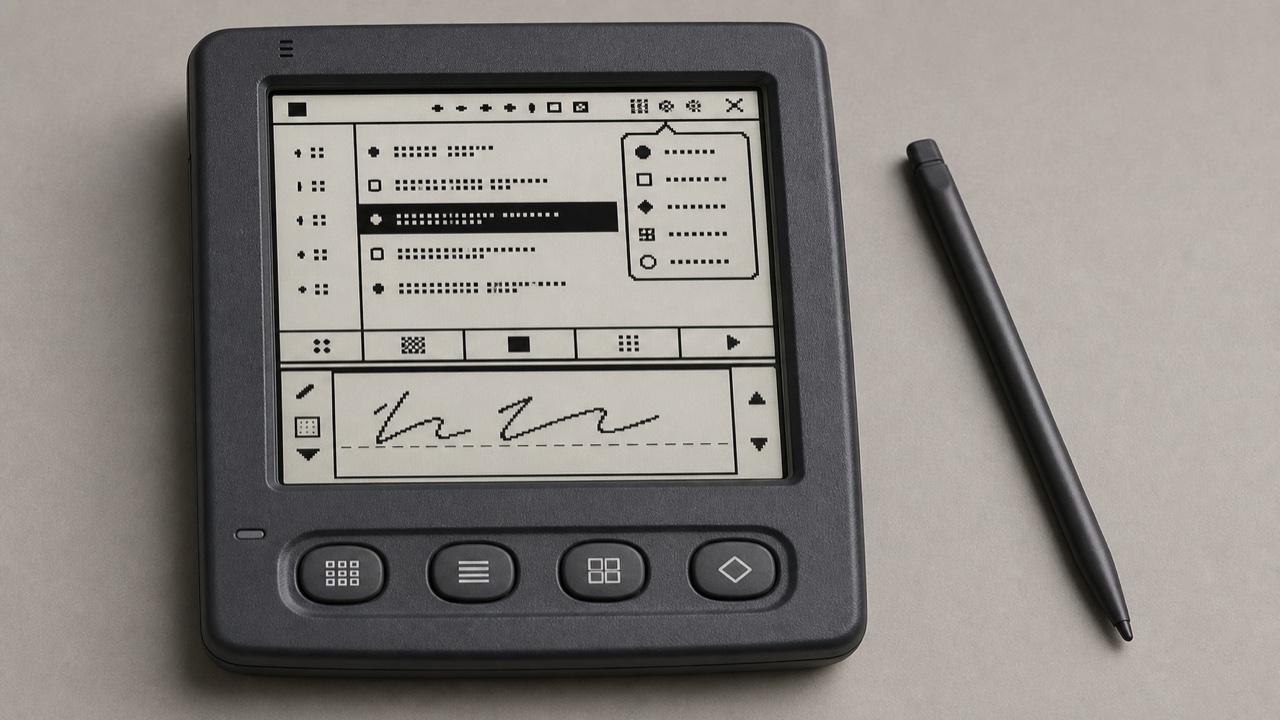
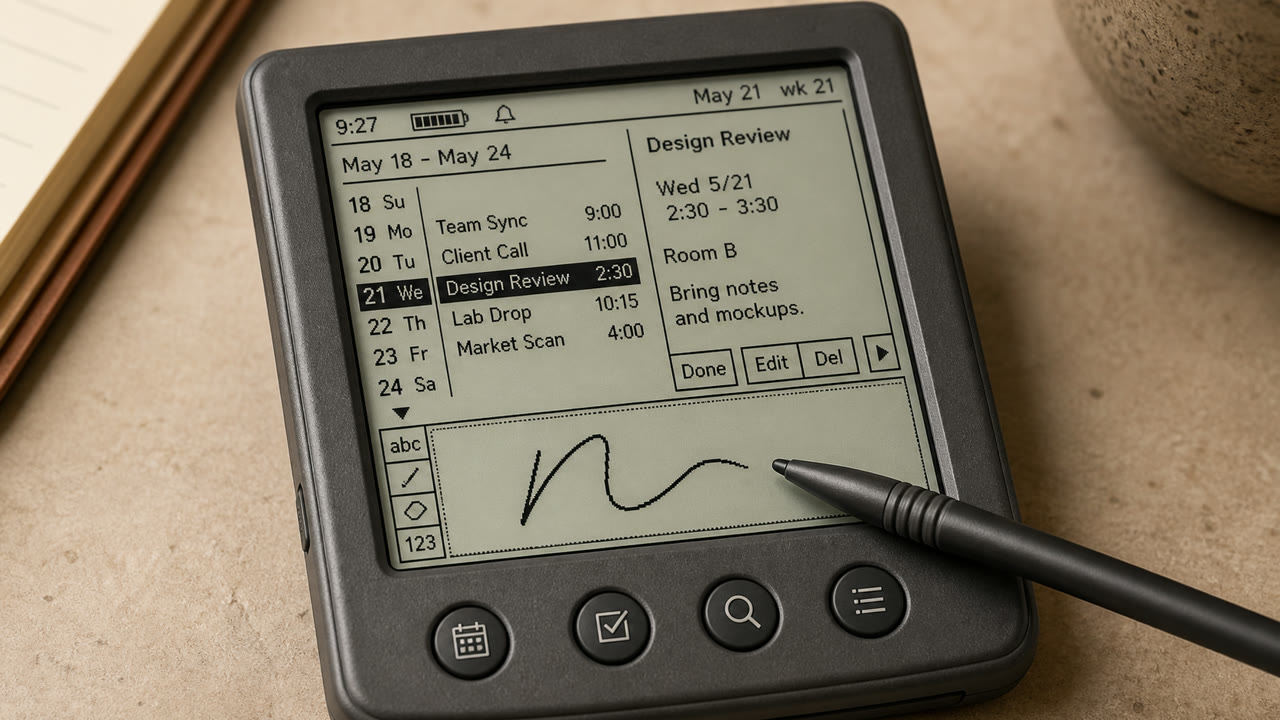
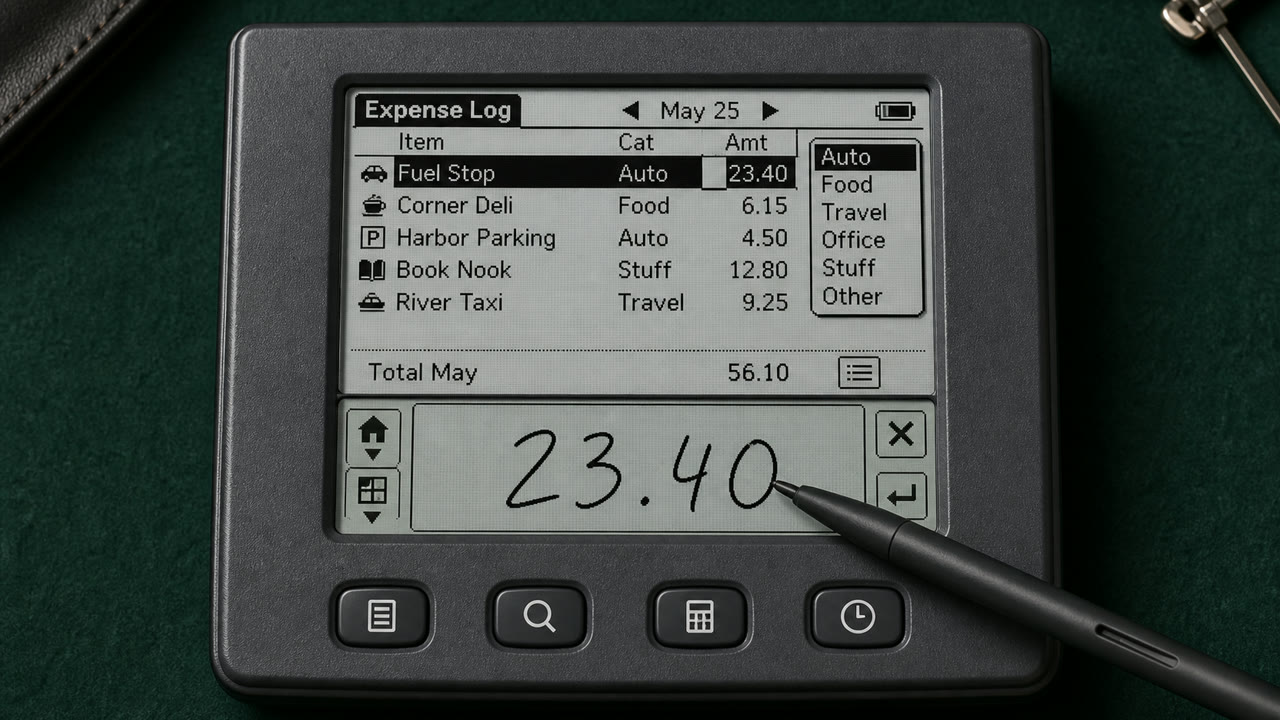
Palm OS는 제목, 카테고리 메뉴, 명령 막대, 하드웨어 버튼 및 그래피티 쓰기 영역을 통해 작은 모노크롬 화면, 스타일러스 및 엄격한 메모 제한을 일관된 휴대용 작업 도구로 만들었습니다.
한눈에 판단
시각적 특징
- 약 160x160 저해상도 모노크롬 화면
- 제목이 왼쪽 상단에 있고 카테고리 팝업이 오른쪽 상단에 있음
- 아래쪽에서 올라오는 명령 막대와 네 개의 애플리케이션 버튼
- 얇은 단일 비트 아이콘, 규칙 및 그래피티 입력 영역
적합한 용도
- Handling calendar, contacts and notes quickly with an extremely small display and few inputs
- Reconstructing an early PDA from its stylus-centered sequence, not only its pixel surface
이 양식 사용하기
짧은 지침을 프로젝트에 적용하거나 구조화된 사양을 AI 도구에 넘길 수 있습니다.
자세한 제작법과 출처제작 규칙, 실제 사례, 비교, 연구, 인용 형식
사전 항목
- 타이포그래피
- Use a sturdy bitmap face that separates letters at small sizes and reduce labels to one word.
- 구성
- Fix Title and Category above, the list in the middle, and commands and input below to reduce screen changes.
- 재료
- Work in one-bit black and white, using thin rules, reversed selection and roughly 16-pixel icons for state.
- 주의
- Monochrome pixel UI alone is not Palm OS. Preserve the division of work among stylus, hardware keys, Graffiti and on-screen commands.
- 더 읽을거리
- Palm OS User Interface Guidelines / Graffiti input area / Title, Category and Command Bar
관련 항목
- Apple Desktop Interface (アップル・デスクトップ・インターフェース)공통 인상: Trust / Technique / Nostalgia.Palm OS Interface와 Apple Desktop Interface 비교
- Holo (ホロ)공통 인상: Technique.Palm OS Interface와 Holo 비교
플랫폼 화면 언어 더 보기
플랫폼 화면 언어에서 공통 인상이 많은 항목을 우선해 골랐습니다.
- CDE Interface (CDEインターフェース)공통 인상: Technique / Trust / Nostalgia.
- OS/2 Workplace Shell (OS/2 Workplace Shell)공통 인상: Technique / Trust / Nostalgia.
- Motif (モチーフ)공통 인상: Technique / Trust.
이 항목을 인용하기
사전은 링크되기 위해 있다. 글을 쓰는 자리에 맞는 형식을 그대로 가져가면 된다.
- Link
- https://indexstyle.org/ko/styles/palm-os
- Markdown
- [Palm OS Interface — IndexStyle](https://indexstyle.org/ko/styles/palm-os)
- HTML
- <a href="https://indexstyle.org/ko/styles/palm-os">Palm OS Interface — IndexStyle</a>