Databending
データベンディング / 2000s– / 기법 / 디지털 이미지 기법
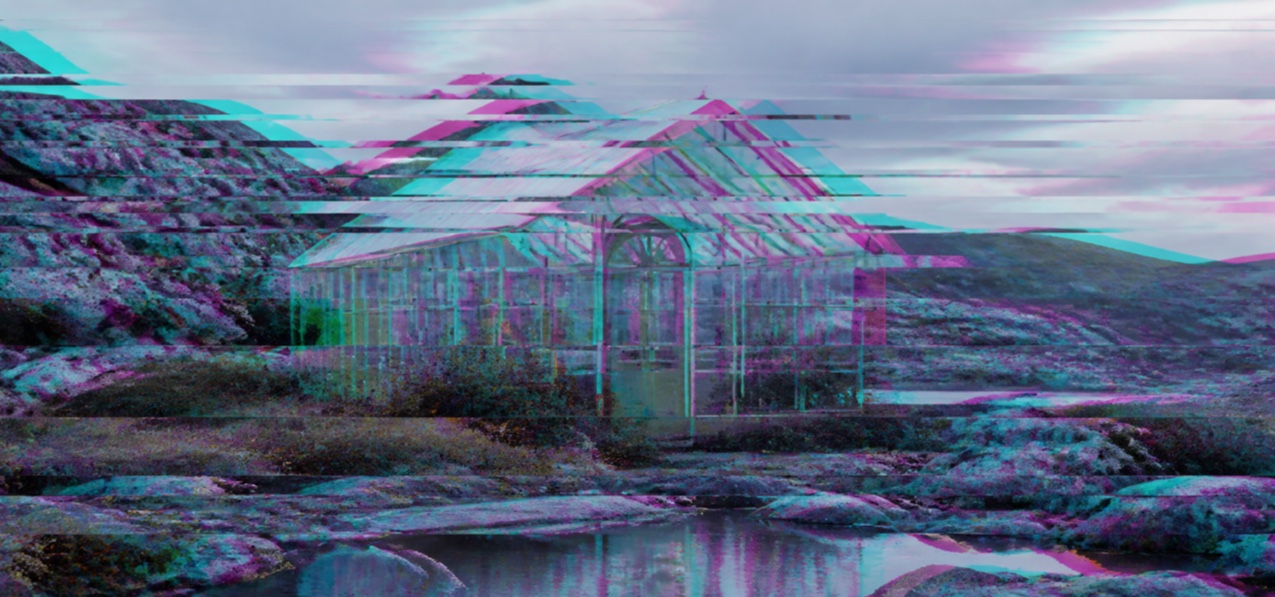
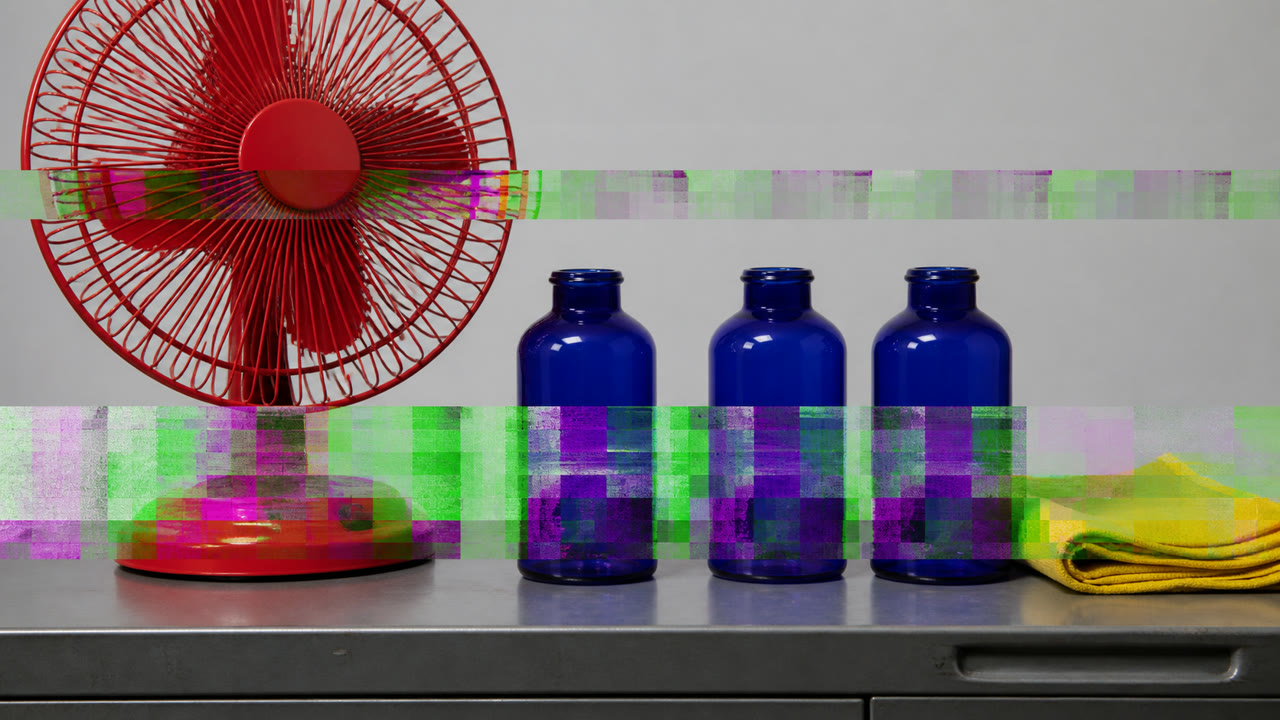
데이터 벤딩은 원래 파일 형식에 적합하지 않은 도구를 사용하여 이미지 또는 오디오 파일을 편집하여 디코더의 잘못된 해석을 작품으로 만듭니다. 파일 구조, 압축 및 편집 위치는 밴드와 색상 변화를 결정합니다.

한눈에 판단
시각적 특징
- 수평 밴드로 분리된 이미지의 일부
- 분리된 색상 채널과 예상치 못한 포화
- 원본이 보이는 로컬 압축 블록
- 편집 지점에서 반복되는 행 형태의 균열
적합한 용도
- Showing the fragility and format-dependence of digital files through the damaged image
- Colliding source imagery with decoder error in video, covers and posters
이 양식 사용하기
짧은 지침을 프로젝트에 적용하거나 구조화된 사양을 AI 도구에 넘길 수 있습니다.
자세한 제작법과 출처제작 규칙, 실제 사례, 비교, 연구, 인용 형식
사전 항목
- 타이포그래피
- Add copy after bending, or displace only part of a duplicate headline along the same axis.
- 구성
- Preserve one identifiable point and use the fracture direction as a compositional axis.
- 재료
- Duplicate the file, protect its header and edit only payload data through another format's editor.
- 주의
- A glitch overlay is not databending. The way one format was deliberately misread must determine the result.
- 더 읽을거리
- Raw data editing / File headers and payload / Compression artifacts as material
관련 항목
- Glitch (グリッチ)공통 인상: Rebellion / Technique.Databending와 Glitch 비교
- Datamosh (データモッシュ)같은 계열: 디지털 이미지 기법.Databending와 Datamosh 비교
디지털 이미지 기법 더 보기
디지털 이미지 기법에서 공통 인상이 많은 항목을 우선해 골랐습니다.
- Pixel Sorting (ピクセルソーティング)공통 인상: Technique / Rebellion / Play.
- Pixel Art (ピクセルアート)공통 인상: Play / Technique.
- Isometric Pixel Art (アイソメトリック・ピクセルアート)공통 인상: Play / Technique.
이 항목을 인용하기
사전은 링크되기 위해 있다. 글을 쓰는 자리에 맞는 형식을 그대로 가져가면 된다.
- Link
- https://indexstyle.org/ko/styles/databending
- Markdown
- [Databending — IndexStyle](https://indexstyle.org/ko/styles/databending)
- HTML
- <a href="https://indexstyle.org/ko/styles/databending">Databending — IndexStyle</a>