OS/2 Workplace Shell
OS/2 Workplace Shell / 1992–2001 / Style / Platform Screen Languages
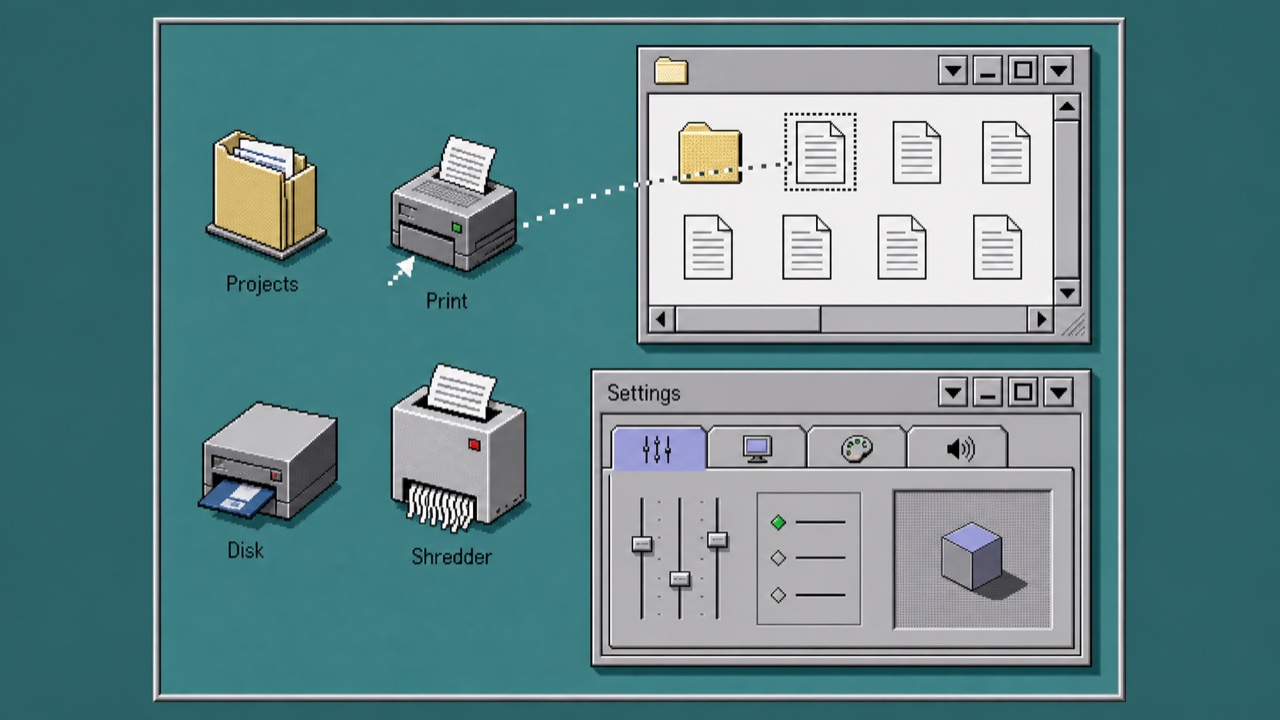
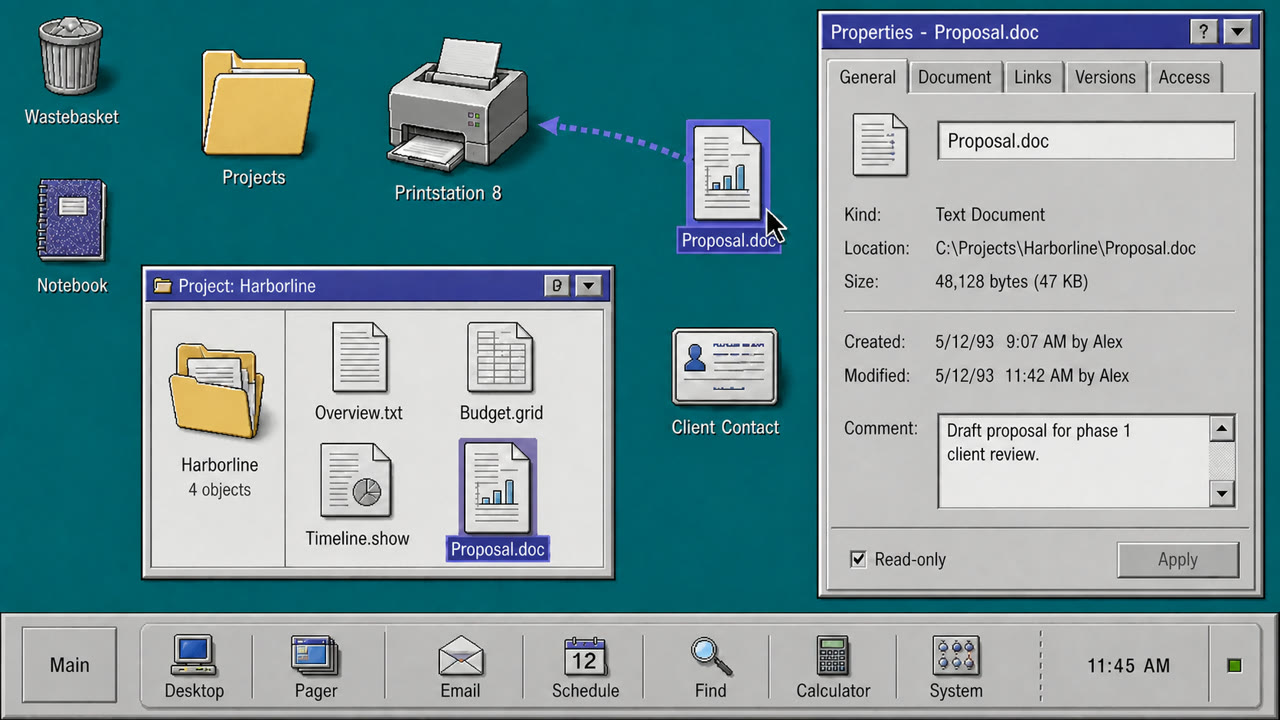
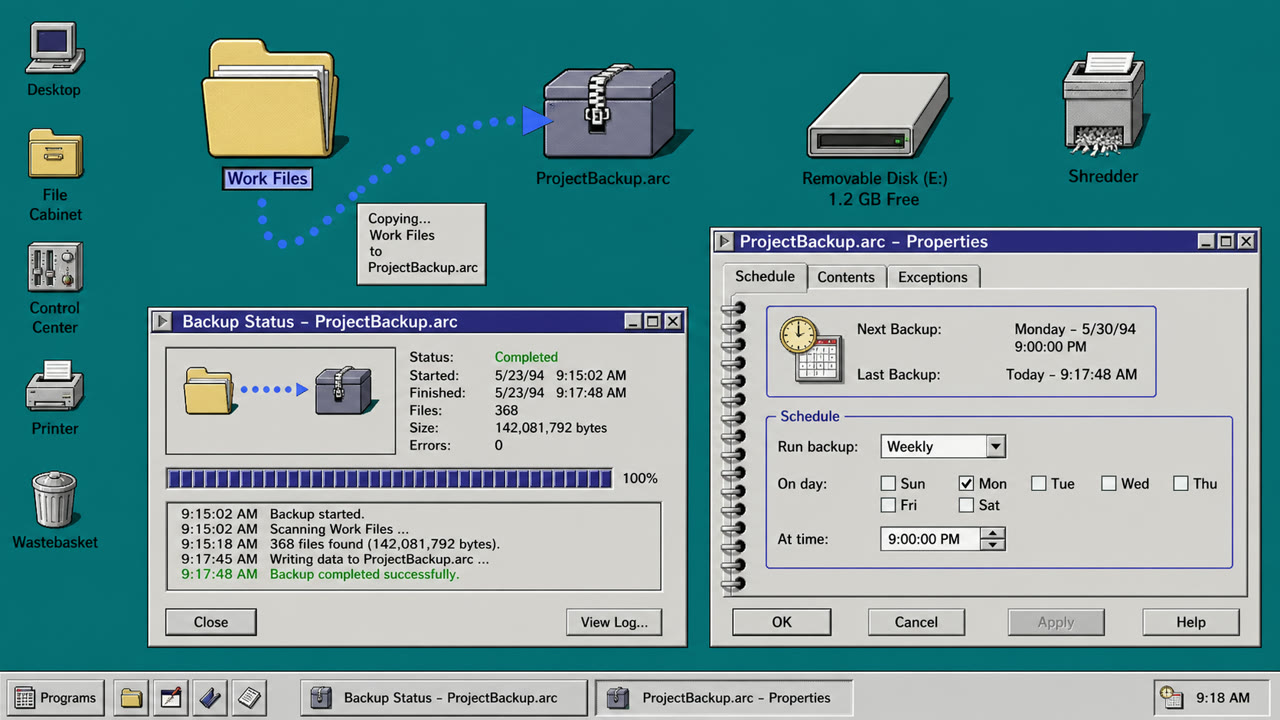
OS/2 treated folders, printers, drives and settings as operable objects rather than loose icons. Dimensional borders, shaded icons, Notebook settings and direct drag-and-drop made the whole desktop one object-oriented workplace.
At a glance
Visual cues
- Pale gray surfaces with double light and dark dimensional edges
- Low-color object icons drawn from an oblique view
- Notebook settings with stacked edge tabs
- Direct dragging among folders, shredder and drives
Best used for
- Handling files, devices and settings as one environment of related objects rather than separate applications
- Reconstructing a 1990s work desktop from its object model instead of window decoration
Use this style
Take the compact brief into a project or hand the structured version to an AI tool.
Detailed guidance and sourcesProduction rules, reference works, comparisons, research and citation formats
Dictionary entry
- Type
- Use a small system sans and keep object names to one line directly below their icons.
- Composition
- Use the desktop as a base, overlap folder windows, and gather settings into a multi-tab Notebook.
- Material
- Layer light upper-left and dark lower-right edges on middle gray, giving icons limited color and small shadows.
- Caution
- Old icons and 3D buttons are not enough. Every part must behave as a directly operable, related object.
- Further study
- OS/2 Workplace Shell / Object-oriented desktop / Notebook controls and drag-and-drop
Related entries
- CDE Interface (CDEインターフェース)Same Platform Screen Languages lineage.Compare OS/2 Workplace Shell and CDE Interface
- Windows 95 Interface (Windows 95 インターフェース)Shared effects: Trust / Technique / Nostalgia.Compare OS/2 Workplace Shell and Windows 95 Interface
More from Platform Screen Languages
Continue through styles in the same Platform Screen Languages family, prioritised by shared effects.
- Palm OS Interface (Palm OSインターフェース)Shared effects: Technique / Trust / Nostalgia.
- Motif (モチーフ)Shared effects: Technique / Trust.
- OPEN LOOK (オープンルック)Shared effects: Technique / Trust.
Browse all Platform Screen Languages entries
Cite this entry
The dictionary is meant to be linked to. Take whichever form fits where you are writing.
- Link
- https://indexstyle.org/styles/os-2-workplace-shell
- Markdown
- [OS/2 Workplace Shell — IndexStyle](https://indexstyle.org/styles/os-2-workplace-shell)
- HTML
- <a href="https://indexstyle.org/styles/os-2-workplace-shell">OS/2 Workplace Shell — IndexStyle</a>