SAP Fiori
SAP Fiori / 2013– / Style / Platform Screen Languages
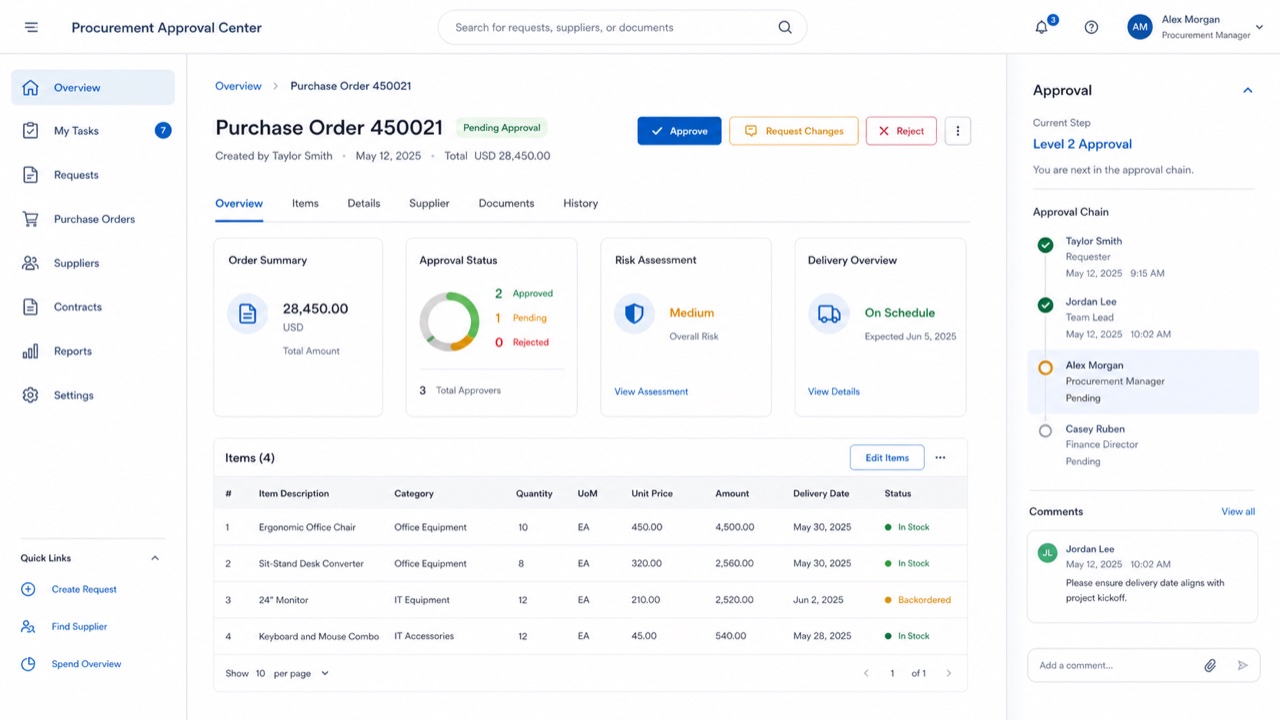
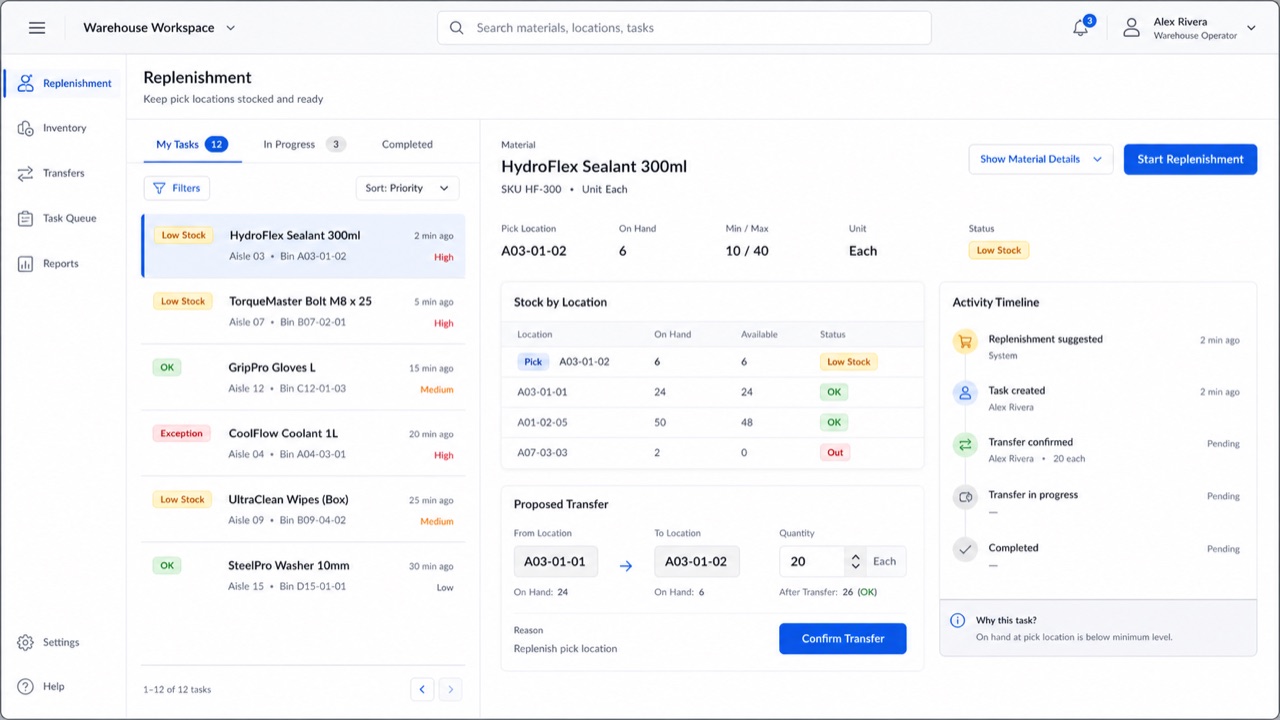
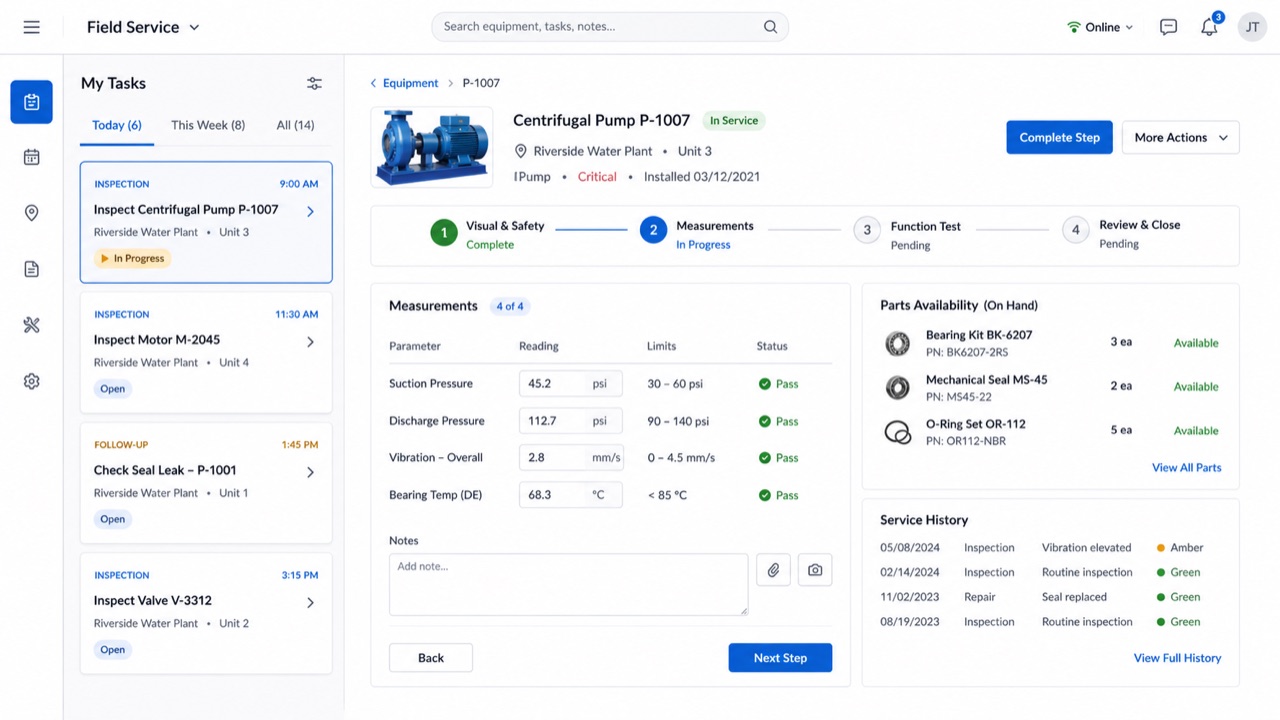
SAP's role-based design language reduces enterprise processes to the information and actions each person needs, then carries them consistently across devices.
At a glance
Visual cues
- Role-based launchpad tiles
- Shell bar and object pages
- Compact tables and semantic status
- Calm blue on pale work surfaces
Best used for
- Enterprise workflows that differ by user role
- Connecting overview, object detail and task completion
Use this style
Take the compact brief into a project or hand the structured version to an AI tool.
Detailed guidance and sourcesProduction rules, reference works, comparisons, research and citation formats
Dictionary entry
- Type
- Use concise business labels and expose status with words as well as color.
- Composition
- Move from overview to object page to focused task, preserving context throughout.
- Material
- Use pale layers, restrained blue and semantic colors for status only.
- Caution
- Putting every enterprise function on one screen defeats the role-based premise. Remove what the current task does not need.
- Further study
- Fiori design principles / Launchpad and object page / Role-based adaptive design
Related entries
- Ant Design (Ant Design)Same Platform Screen Languages lineage.Compare SAP Fiori and Ant Design
- Carbon Design System (Carbon Design System)Same Platform Screen Languages lineage.Compare SAP Fiori and Carbon Design System
More from Platform Screen Languages
Continue through styles in the same Platform Screen Languages family, prioritised by shared effects.
- Adwaita (アドワイタ)Shared effects: Technique / Calm / Trust.
- GOV.UK Design System (GOV.UK デザインシステム)Shared effects: Trust / Calm / Technique.
- Breeze (ブリーズ)Shared effects: Technique / Calm / Trust.
Browse all Platform Screen Languages entries
Cite this entry
The dictionary is meant to be linked to. Take whichever form fits where you are writing.
- Link
- https://indexstyle.org/styles/sap-fiori
- Markdown
- [SAP Fiori — IndexStyle](https://indexstyle.org/styles/sap-fiori)
- HTML
- <a href="https://indexstyle.org/styles/sap-fiori">SAP Fiori — IndexStyle</a>