Fluent 2
フルーエント2 / 2022– / Style / Microsoft UI
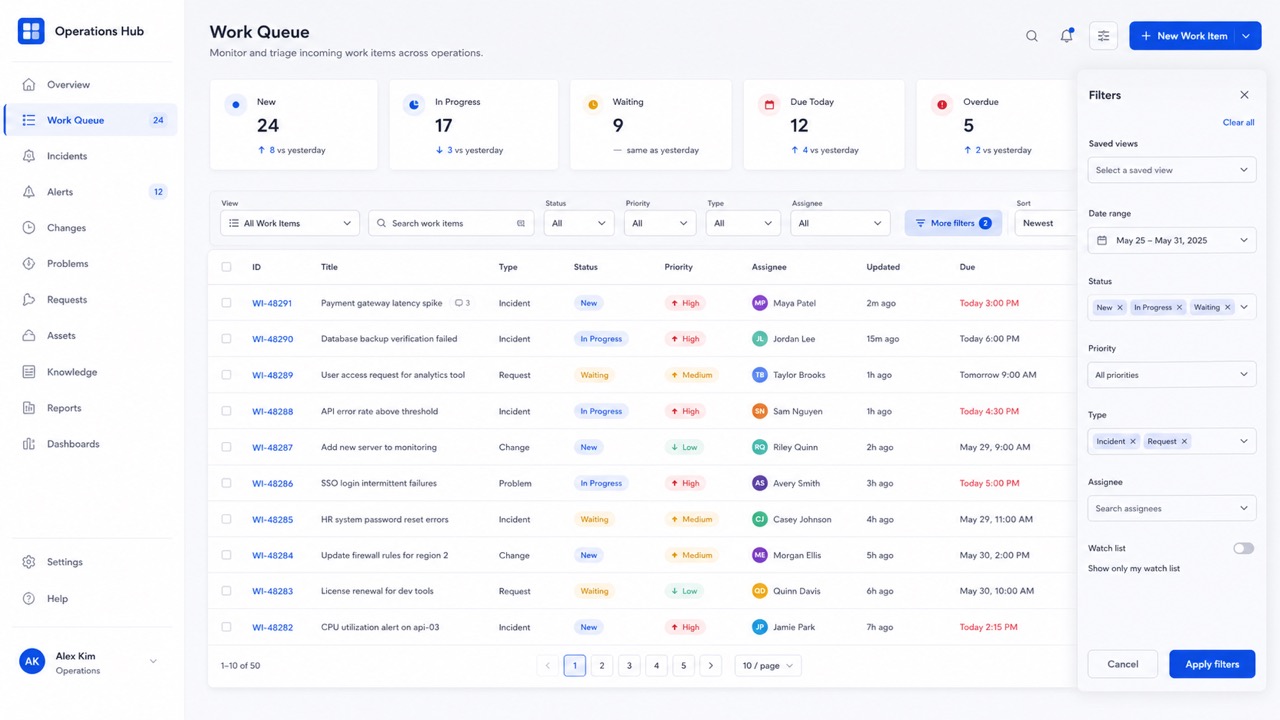
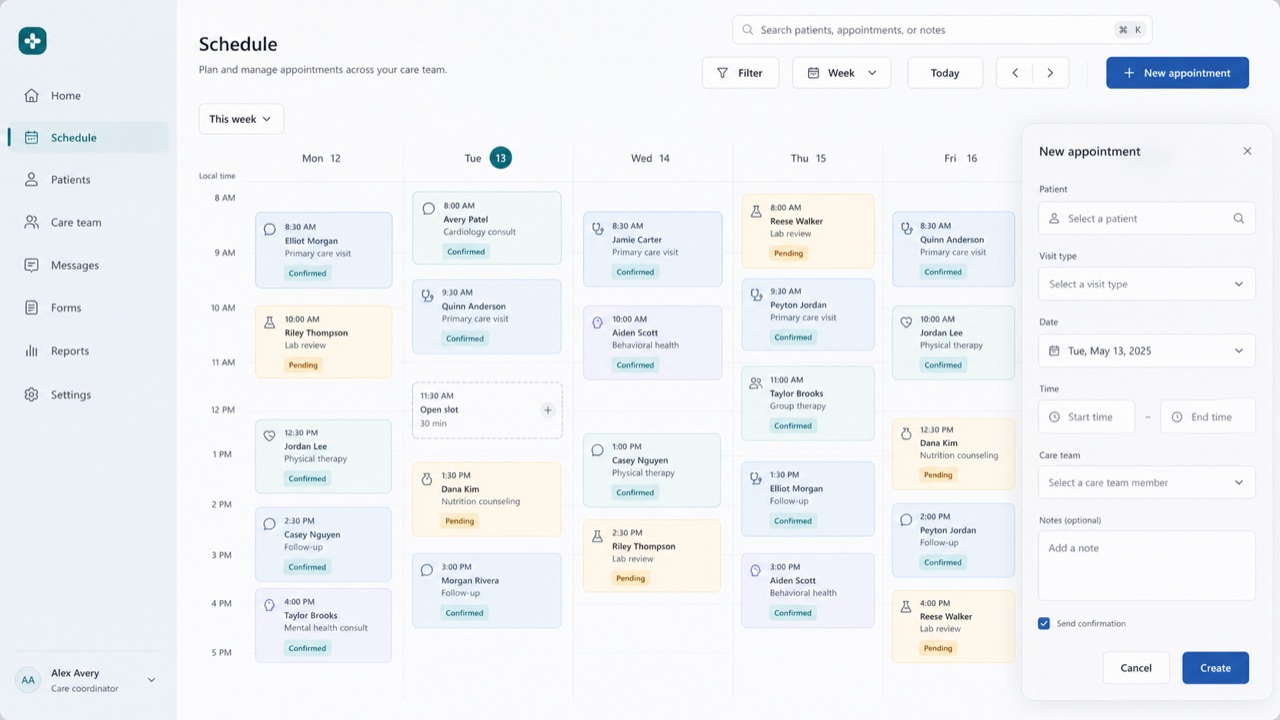
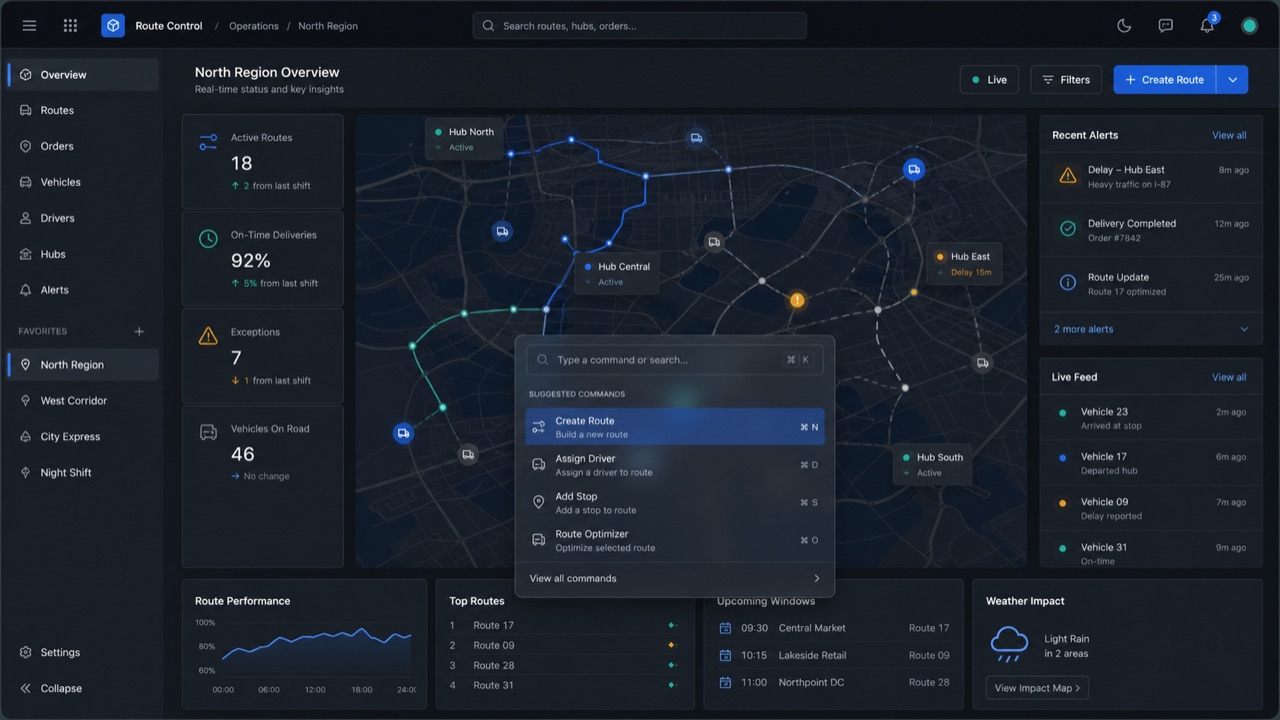
Tokenizes color, type, spacing, radius and depth, deploying Solid, Acrylic, Mica and Smoke materials by role across Microsoft products.
At a glance
Visual cues
- Mica and Acrylic
- Neutral tonal hierarchy
- Soft corner radii
- Tokenized depth
Best used for
- Business UI at home in Windows and Microsoft 365 that several teams must keep identical
- Replacing an existing product in stages so theme and state stay consistent across products
Use this style
Take the compact brief into a project or hand the structured version to an AI tool.
Detailed guidance and sourcesProduction rules, reference works, comparisons, research and citation formats
Dictionary entry
- Type
- Define size and leading as tokens and never hardcode values in a screen.
- Composition
- Fix spacing to multiples of one base and keep density variants as separate tokens.
- Material
- Mica for the window ground, Acrylic only for surfaces that appear briefly.
- Caution
- Match blur and shadow to surface role, window state and light, dark and high contrast. Adding one off colors and paddings per screen turns the unifying system into one more thing to maintain.
- Further study
- Fluent 2 / Acrylic / Mica / design tokens
Related entries
- Glassmorphism (グラスモーフィズム)Shared effects: Calm.Compare Fluent 2 and Glassmorphism
- Material Design (マテリアルデザイン)Shared effects: Trust / Technique.Compare Fluent 2 and Material Design
More from Microsoft UI
Continue through styles in the same Microsoft UI family, prioritised by shared effects.
- Metro (メトロ)Shared effects: Technique / Trust.
- Windows 95 Interface (Windows 95 インターフェース)Shared effects: Trust / Technique.
- Ribbon (リボン)Shared effects: Trust / Technique.
Browse all Microsoft UI entries
Cite this entry
The dictionary is meant to be linked to. Take whichever form fits where you are writing.
- Link
- https://indexstyle.org/styles/fluent-design
- Markdown
- [Fluent 2 — IndexStyle](https://indexstyle.org/styles/fluent-design)
- HTML
- <a href="https://indexstyle.org/styles/fluent-design">Fluent 2 — IndexStyle</a>