Terminal UI
ターミナルUI / 1970s– / Style / UI Expression
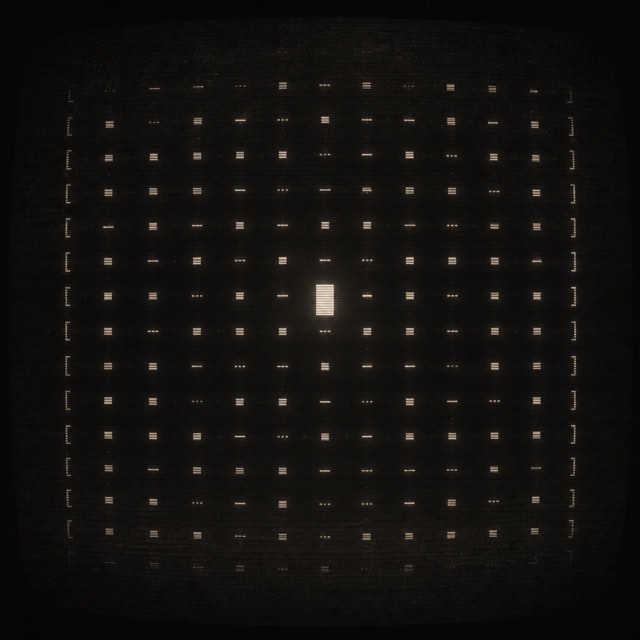
The terminal look: monospaced phosphor characters on black. The VT100's green afterglow became the primal image of the computer's face, repeated from hacker cinema to modern CLI tools.


At a glance
Visual cues
- Single phosphor color on black
- The monospace grid
- A blinking cursor
- Scanlines and glow
Best used for
- Developer tools packing state and next steps into one monospaced screen
- Staging technical hardness or secrecy as the look of an interface
Use this style
Take the compact brief into a project or hand the structured version to an AI tool.
Detailed guidance and sourcesProduction rules, reference works, comparisons, research and citation formats
Dictionary entry
- Type
- One monospaced face where emphasis comes from weight and inversion alone
- Composition
- Everything on the column and row grid, blocks separated by blank lines
- Material
- One phosphor hue on black with scanlines and bloom added sparingly
- Caution
- Heavy scanlines and flicker cost legibility and the atmosphere ends up beating the speed that made the tool worth using.
- Further study
- the DEC VT100 / hacker screens in film / modern CLI and TUI design
Related entries
- ANSI Art (BBS Scene) (ANSIアート)Shared effects: Rebellion / Technique.Compare Terminal UI and ANSI Art (BBS Scene)
- Cyberpunk (サイバーパンク)Shared effects: Rebellion.Compare Terminal UI and Cyberpunk
More from UI Expression
Continue through styles in the same UI Expression family, prioritised by shared effects.
- Glitch (グリッチ)Shared effects: Rebellion / Technique.
- Metalheart (メタルハート)Shared effects: Technique / Rebellion.
- Solarized (ソラライズド)Shared effects: Technique / Calm.
Browse all UI Expression entries
Cite this entry
The dictionary is meant to be linked to. Take whichever form fits where you are writing.
- Link
- https://indexstyle.org/styles/terminal-ui
- Markdown
- [Terminal UI — IndexStyle](https://indexstyle.org/styles/terminal-ui)
- HTML
- <a href="https://indexstyle.org/styles/terminal-ui">Terminal UI — IndexStyle</a>