Pixel Sorting
ピクセルソーティング / 2010– / Technique / Digital Image Techniques
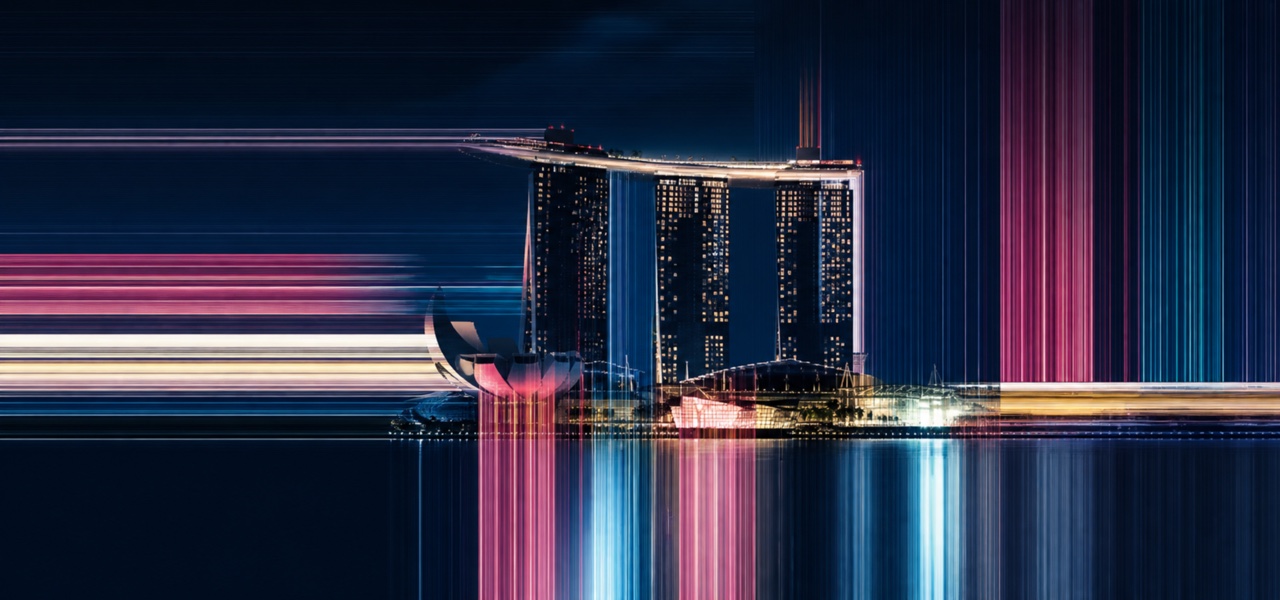
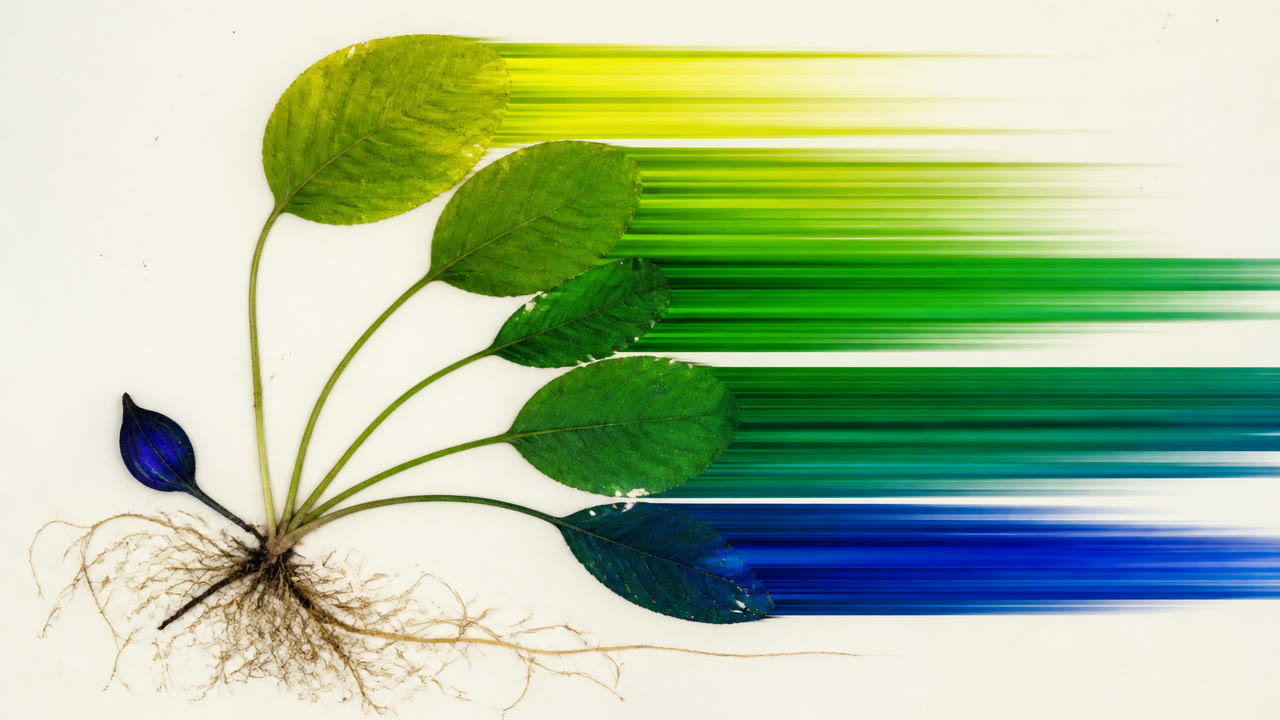
Pixel Sorting selects image pixels by a brightness or hue threshold and reorders them within rows or columns, drawing long color streaks out of a still-recognisable source image. Kim Asendorf's released code enabled widespread reimplementation.

At a glance
Visual cues
- Long horizontal or vertical pixel streams leaving a figure or landscape
- Only part of an outline flowing into bands
- Unselected areas preserving the source image
- Local color bands smoothly ordered by value or hue
Best used for
- Covers and posters that damage part of a photograph while keeping the subject legible
- Transitions that turn a frame's color distribution into bands leading into the next shot
Use this style
Take the compact brief into a project or hand the structured version to an AI tool.
Detailed guidance and sourcesProduction rules, reference works, comparisons, research and citation formats
Dictionary entry
- Type
- Keep copy outside the sorted field, or flow only part of a headline along the same axis while preserving body legibility.
- Composition
- Choose one sorting direction, tune the threshold to the subject and preserve islands of the source image.
- Material
- Select pixels by value, saturation or hue and reorder only contiguous intervals within a row or column.
- Caution
- Sorting the entire frame removes the tension with its source and leaves an ordinary striped pattern. Decide what breaks and what remains.
- Further study
- Kim Asendorf and Mountain Tour / Threshold and interval selection / Row, column and diagonal sorting
Related entries
- Glitch (グリッチ)Shared effects: Rebellion / Technique.Compare Pixel Sorting and Glitch
- Datamosh (データモッシュ)Same Digital Image Techniques lineage.Compare Pixel Sorting and Datamosh
More from Digital Image Techniques
Continue through styles in the same Digital Image Techniques family, prioritised by shared effects.
- Databending (データベンディング)Shared effects: Rebellion / Technique / Play.
- Pixel Art (ピクセルアート)Shared effects: Play / Technique.
- Isometric Pixel Art (アイソメトリック・ピクセルアート)Shared effects: Play / Technique.
Browse all Digital Image Techniques entries
Cite this entry
The dictionary is meant to be linked to. Take whichever form fits where you are writing.
- Link
- https://indexstyle.org/styles/pixel-sorting
- Markdown
- [Pixel Sorting — IndexStyle](https://indexstyle.org/styles/pixel-sorting)
- HTML
- <a href="https://indexstyle.org/styles/pixel-sorting">Pixel Sorting — IndexStyle</a>